DATE
Loading...
TIME
Loading...
About Us

YouTube is giving creators a way to make longer videos easier to navigate through Video Chapters, a feature that divides videos into labeled sections that viewers can jump between.
Video Chapters break a video into individual segments, each with its own preview and title. The feature allows viewers to quickly find specific portions of a video or return to sections they want to watch again without manually searching through the entire timeline.
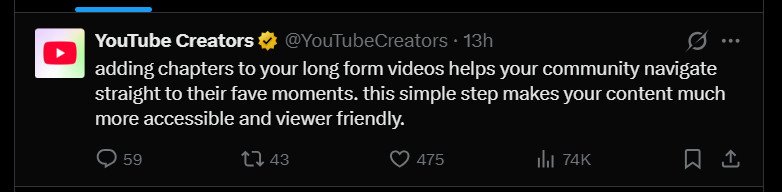
Creators have two options: manually add chapters using timestamps or allow YouTube to automatically generate chapters for eligible videos.
For manual chapters, creators need to add timestamps and corresponding titles to the video’s description through YouTube Studio. The first timestamp must begin at 00:00, while the video must contain at least three timestamps arranged in ascending order.
Each chapter must also run for at least 10 seconds.
Once manual timestamps are added, they will override YouTube’s automatically generated chapters for that video.
Creators who prefer automatic chapters can enable the “Allow automatic chapters” option under a video’s settings in YouTube Studio. The option is enabled by default for new uploads, although YouTube said not all videos are eligible and automatic chapters may not appear on every eligible video.
Automatic chapters can also appear in video transcripts, providing additional context when viewers navigate through a video’s content.
YouTube said the feature may be unavailable to channels with active strikes or videos containing content that may be inappropriate for some viewers.
Creators who do not want YouTube to automatically divide their videos can disable automatic chapters for individual uploads, manage the setting in bulk, or turn it off under their channel’s upload defaults.
Channels that do not yet have access to Video Chapters may also need to apply for access to YouTube’s advanced features before the option becomes available.
The feature adds another navigation tool for viewers, particularly for tutorials, interviews, podcasts, explainers and other long-form videos where audiences may want to jump directly to a specific topic.