About Us

-
IN PHOTO: The Huawei MatePad 11.5 S 2026 (Photo courtesy of Art Samaniego)
I have reviewed and tested enough tablets to know that most of them fall into two predictable camps. Either they chase raw performance numbers, or they position themselves as lifestyle accessories, offering little depth. The Huawei MatePad 11.5 S (2026) sits in a more interesting middle ground. It is not loud about what it does, but after spending real time with it, its strengths become clear.
This is a tablet that understands how people actually work, read, draw, and consume content today.
The first thing I noticed was the PaperMatte display. This is not a spec you appreciate from a brochure. You only understand it after using the device in different light settings.
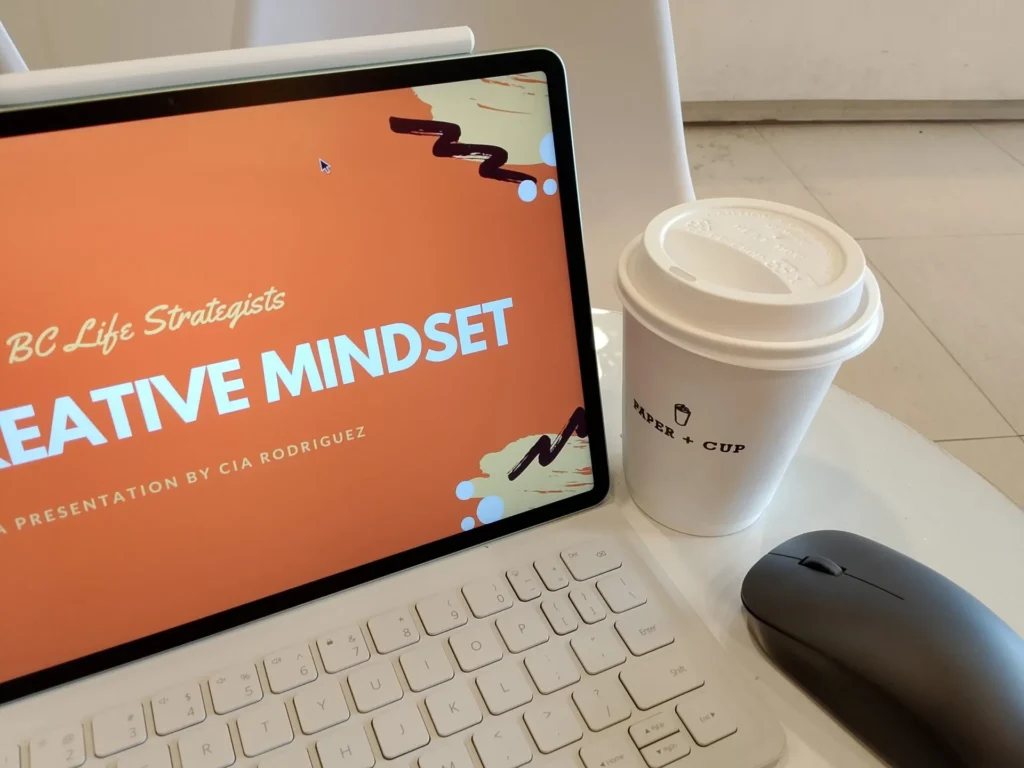
Reading articles, reviewing documents, or taking notes on this screen feels noticeably easier on the eyes. Reflections are reduced without killing sharpness or color correctness. Under office lights, near a window, or even outdoors, the screen is comfortable and readable.
The 2.8K resolution and high refresh rate help, but the real value here is how the display changes long sessions. I found myself reading longer and writing more without feeling the usual screen fatigue. For students, writers, editors, and anyone who spends hours staring at text, this matters.
The MatePad 11.5 S (2026) feels solid in the hand. The metal body gives it a premium feel without being unnecessarily heavy. It does not scream for attention, which I actually appreciate. This device feels appropriate in a classroom, a newsroom, or a meeting room.
It is thin enough to carry all day, sturdy enough to feel durable, and balanced well whether you are holding it or using it with a keyboard and stylus.
On paper, some will immediately compare benchmarks. In actual use, the tablet performs smoothly where it matters.
Multitasking on HarmonyOS feels refined. Split-screen, floating windows, and drag-and-drop workflows all work reliably. Switching between note-taking, document review, messaging, and web research never felt sluggish.
This is not a gaming tablet chasing maximum frame rates. It is a productivity and creativity device designed for sustained use. For that purpose, it performs consistently well.
Battery life easily lasts a full workday of mixed use, and fast charging makes short top-ups practical.
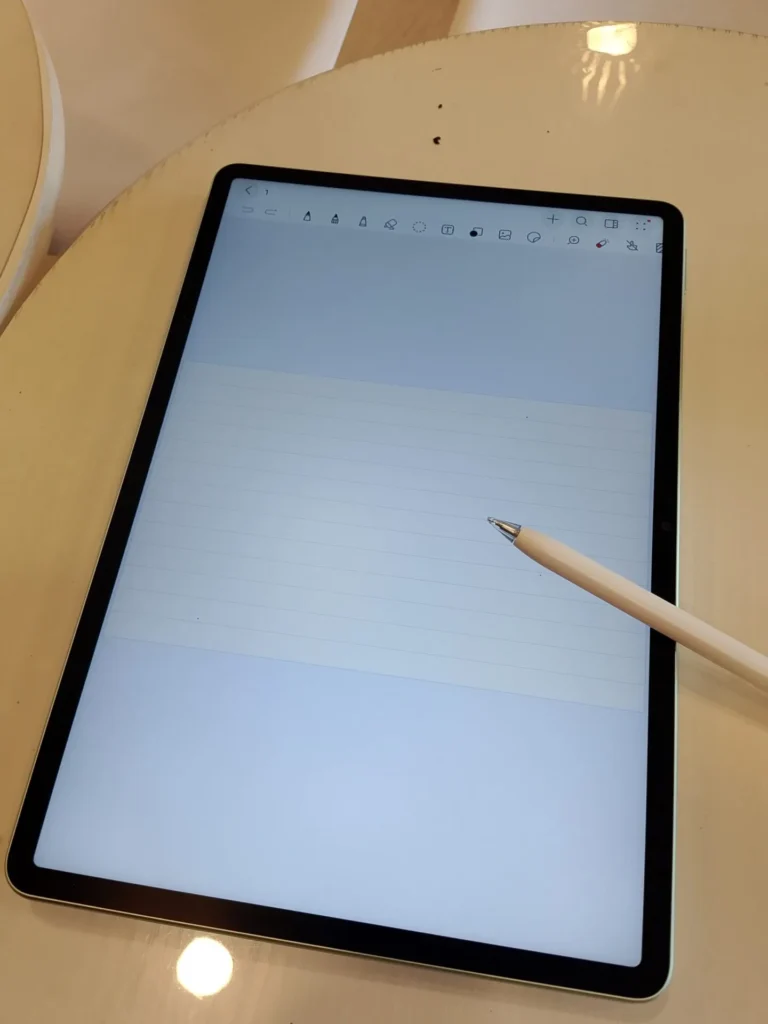
Paired with Huawei’s stylus, this tablet becomes a genuinely capable writing and drawing tool. Handwritten notes feel natural, with low latency and good palm rejection. Sketching and diagramming benefit from the matte screen texture, which adds a subtle resistance similar to that of paper.
Huawei Notes and creative apps like GoPaint are clearly optimized for this experience. Even if you are not an artist, the precision helps with annotations, mind maps, and planning.
This is one of those tablets where the hardware and software actually feel designed to work together.
Tablet audio is often an afterthought. Here, it is not.
The speakers are loud, clear, and balanced. Watching videos, listening to podcasts, or joining calls did not feel compromised. You can comfortably use this tablet for media consumption without immediately reaching for headphones.
This is where honesty is important. Huawei tablets still operate without native Google services. For many users, this is manageable. AppGallery has matured, and common productivity and communication apps are available. There are workarounds for others. A simple solution is to use the browser to access the Google services that you need. This is what I did. No Google, no problem for me.
However, if your workflow is deeply tied to Google Play exclusives, you must consider this carefully. For me, it was not a deal breaker, but it is not something to gloss over either.
After spending time with the MatePad 11.5 S (2026), it became clear who this device serves best.
This is for students, professionals, educators, writers, creatives, and anyone who values reading, writing, and thinking on a screen that does not fight back. It is for people who want a tablet that feels calm, focused, and purposeful.
It is not trying to replace a high-end laptop or compete directly with flagship gaming tablets. Instead, it offers a refined experience that focuses on comfort, clarity, and sustained productivity.
The Huawei MatePad 11.5 S (2026) is not a flashy tablet, and that is exactly why it works.
It quietly delivers where it counts. The display genuinely improves daily use. The build looks professional. The performance supports real workflows. The creative tools feel thoughtfully implemented.
If you are looking for a tablet that helps you work, study, read, and create without distraction, this is a device worth serious consideration.
Sometimes, the best technology is the one that simply lets you focus.